Make your parrot dance.
Upload a parrot photo and choose a dance clip — or add your own. Turn them into a dancing parrot video with music, up to 30 seconds.
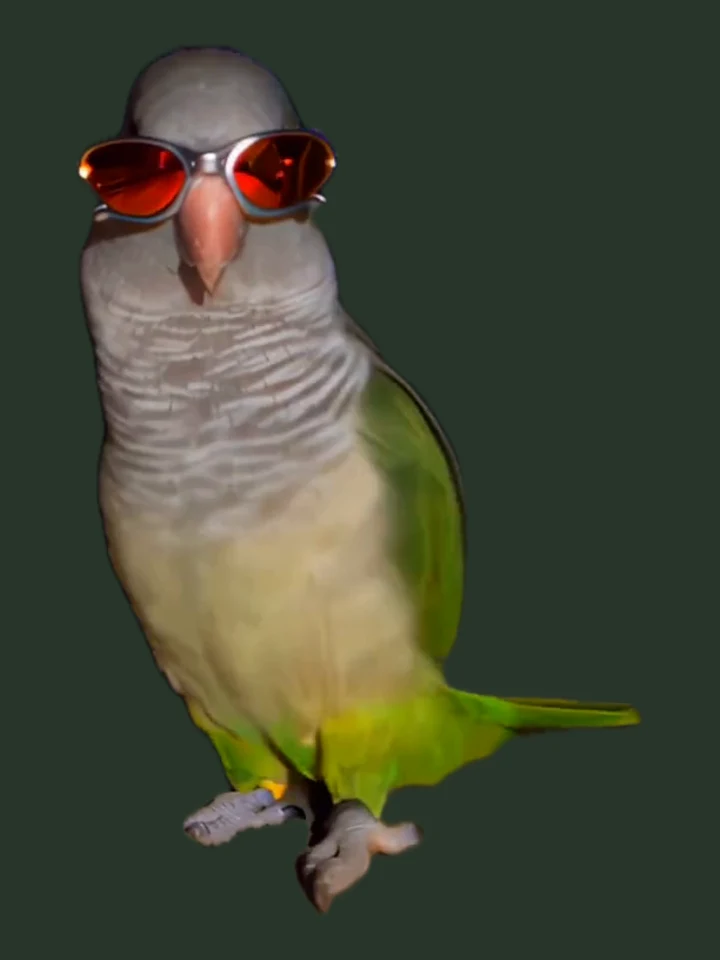
What the photo needs
- One parrot, facing the camera
- Whole body in frame: head, wings, tail, feet
- Even light, plain background
Avoid: two birds, a hand holding the bird, dark rooms, heavy filters.
The dance
Pick a template, or upload your own dance clip.11s · 55 credits · StandardReference: @kennyslowbird on InstagramView source
MP4 / MOV · 2–30s · up to 40MB (over 15s needs Premium)
One parrot, whole body in frame — that is what matters.
- Ready in 3–8 minutes
- Failed renders refunded
- Photos deleted after 7 days
- No watermark, ever
Demo clips are placeholder footage — our own renders replace them before launch.
ONE PHOTO · YOUR PARROT · ANY DANCE · UP TO THIRTY SECONDS · NO WATERMARK · READY TO POST
Parrots, dancing
The four dance videos from the generator, paired with stills of the same parrots.
- Set 01 · 720pParty Strut720p
Placeholder footage: @kennyslowbird on Instagram · View source
- Set 02 · 720p
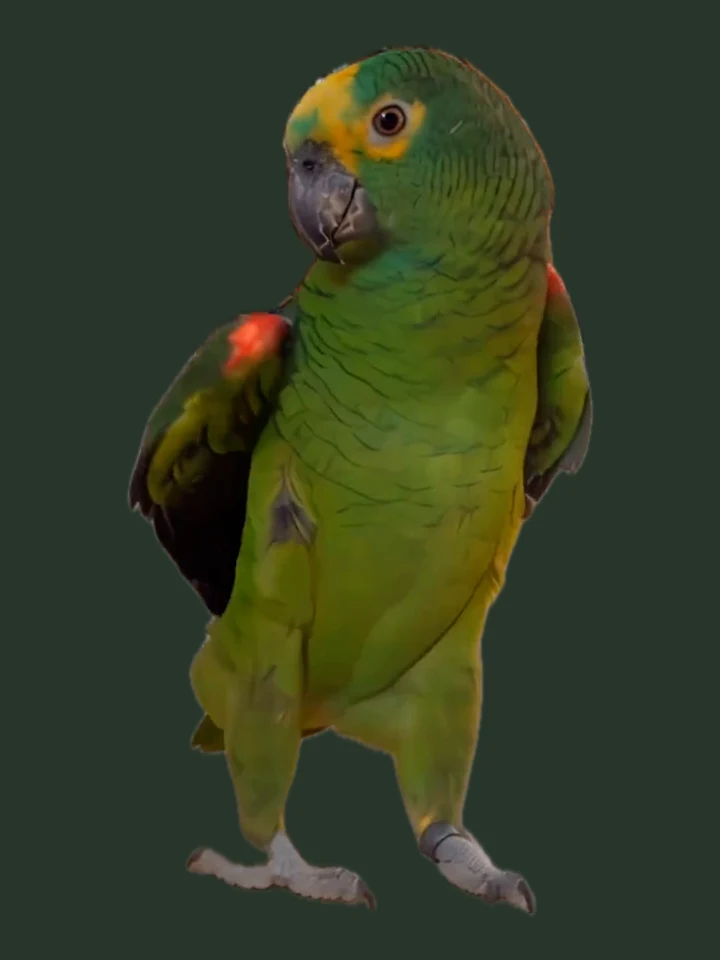 Bam Bam Bounce720p
Placeholder footage: @kennyslowbird on Instagram · View source
- Set 03 · 720p
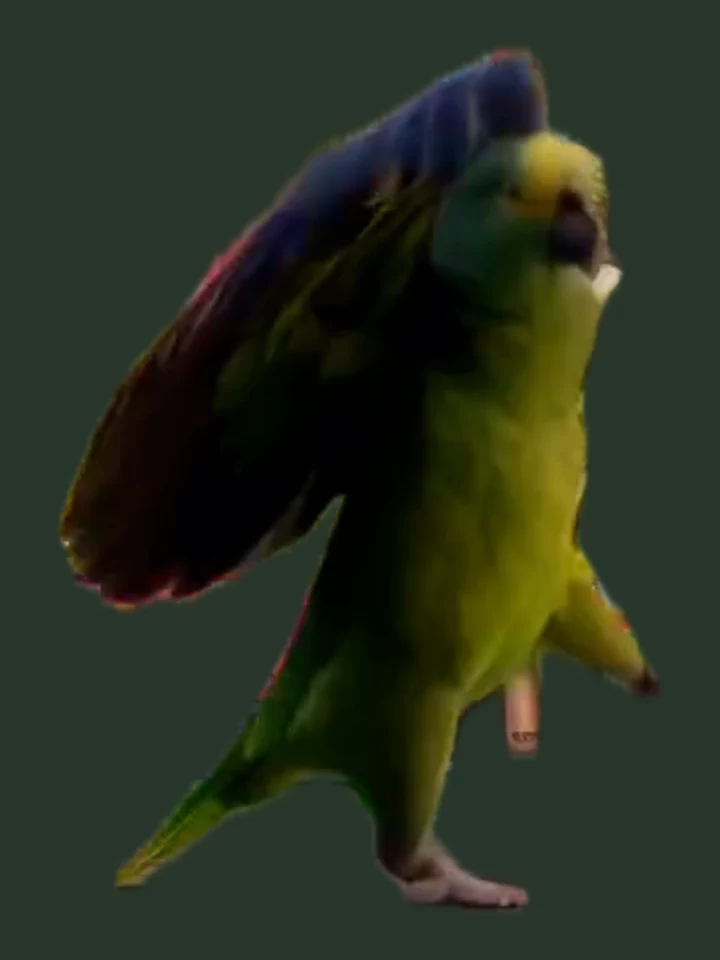 Wing Flare720p
Placeholder footage: @kennyslowbird on Instagram · View source
- Set 04 · 720p
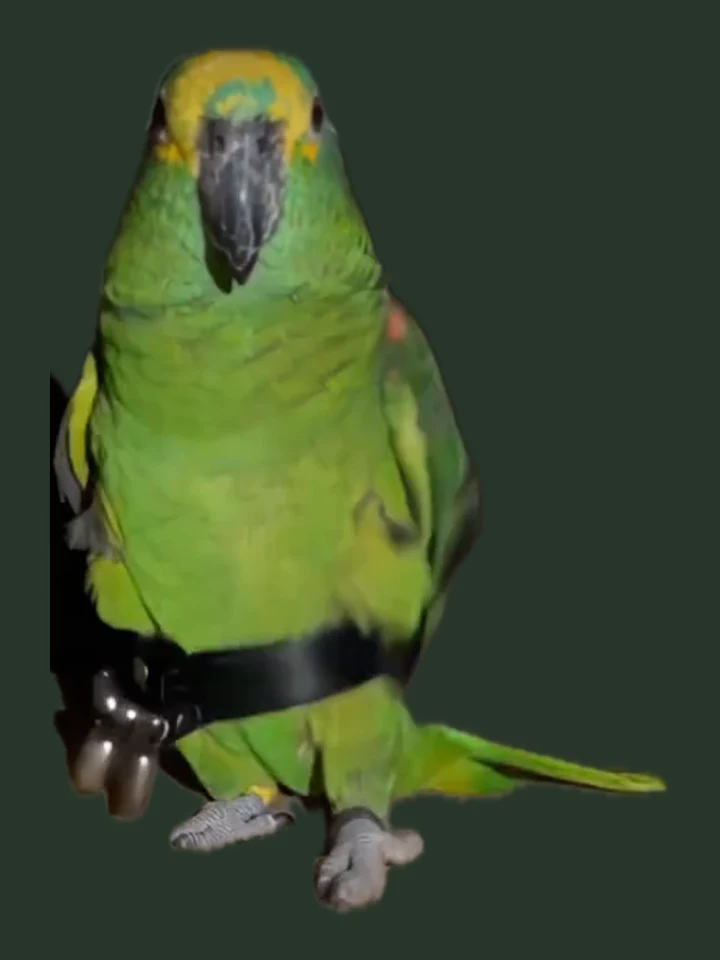 Tail Sway720p
Placeholder footage: @kennyslowbird on Instagram · View source
Tap the sound button on a clip to hear the track it ships with.
These credited third-party reference clips are placeholders. Each photo is extracted from its clip, not the input that generated it.
Your parrot, their moves.
Start with one photo of your parrot and a video of someone dancing. Upload both, and the AI uses the photo for your bird’s look and the video as a guide to the rhythm and movement.
Human moves are interpreted as bird movement, so the result is an approximation. Use a video you have permission to upload, including permission from the dancer.
Make your parrot danceIllustrative reference clip and extracted still: @kennyslowbird on Instagram. This is not a result generated from the illustrated inputs. View source
Pick the dance. The parrot is yours.
Choose from four bird-inspired dance clips. The 11–13s clips use Standard; the 19–20s ones use Premium. You can also upload your own dance video.
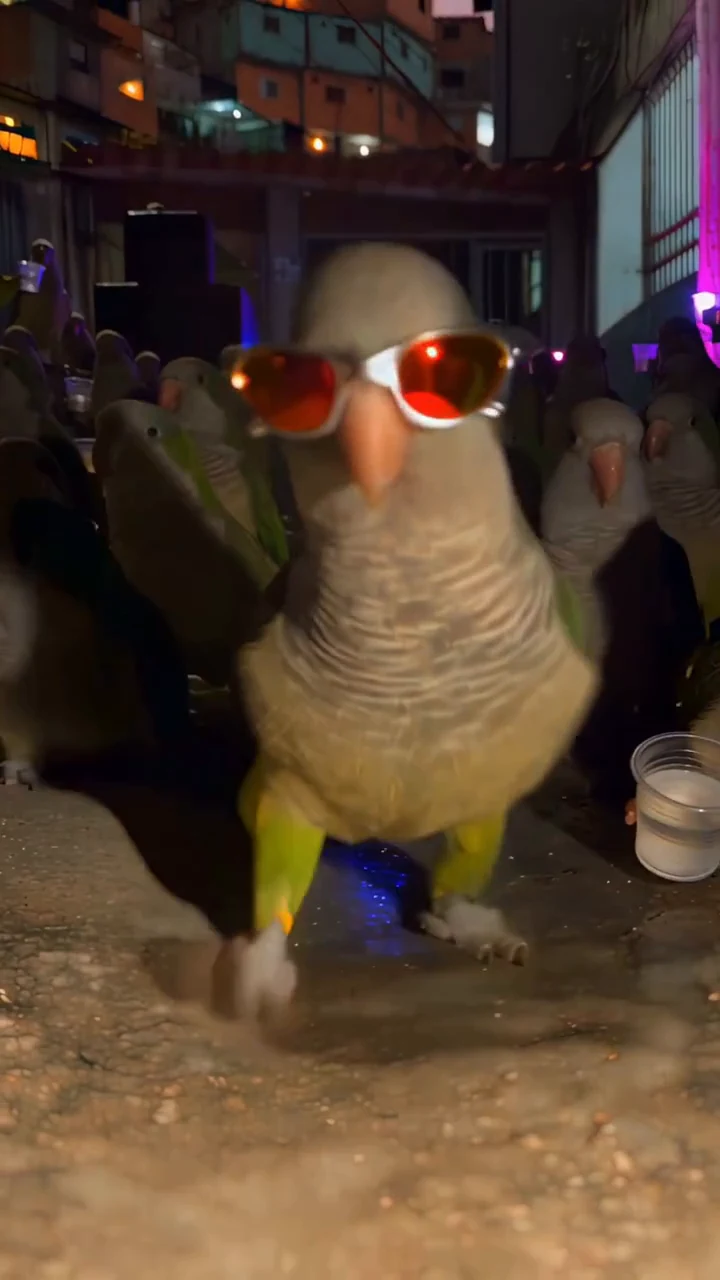 11s55 creditsParty StrutNight-party steps and bounces with a little swagger — the reel that started this set.Most viral
Reference clip: @kennyslowbird on Instagram View source
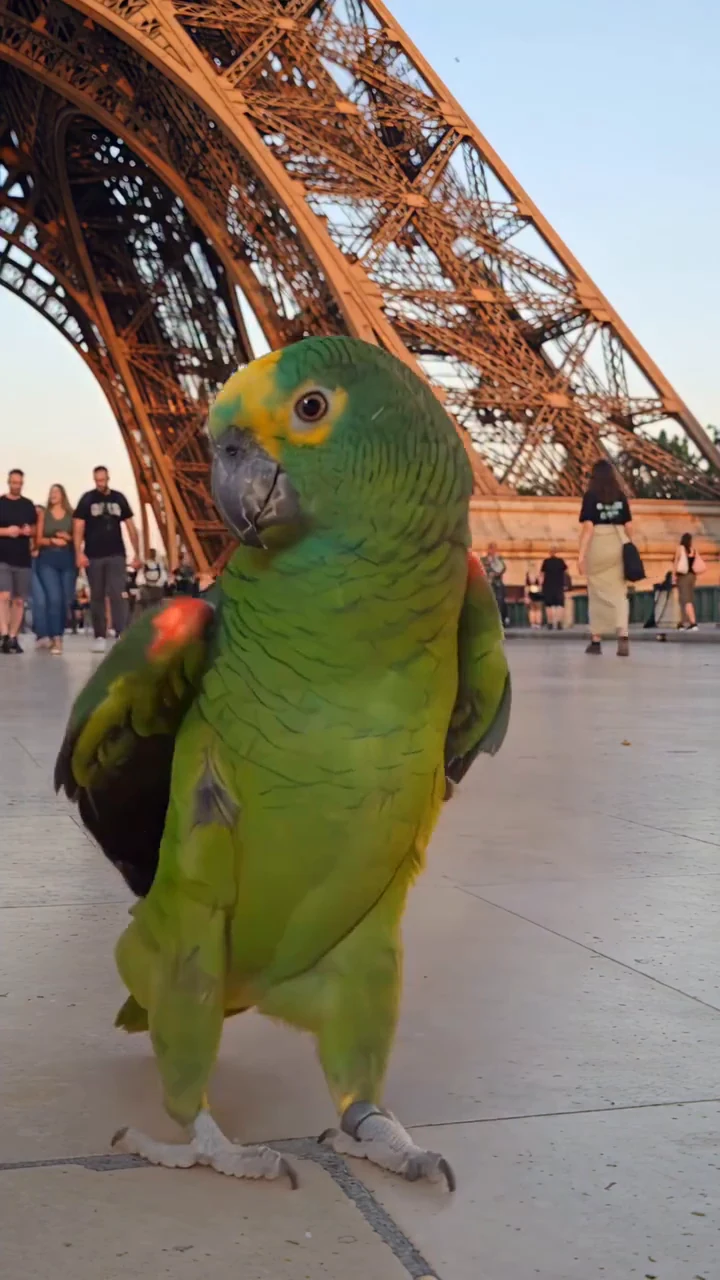 19s190 creditsPremiumBam Bam BounceHead and body bobbing on every beat — the trend's signature move. The safest template for any species.Trending
Reference clip: @kennyslowbird on Instagram View source
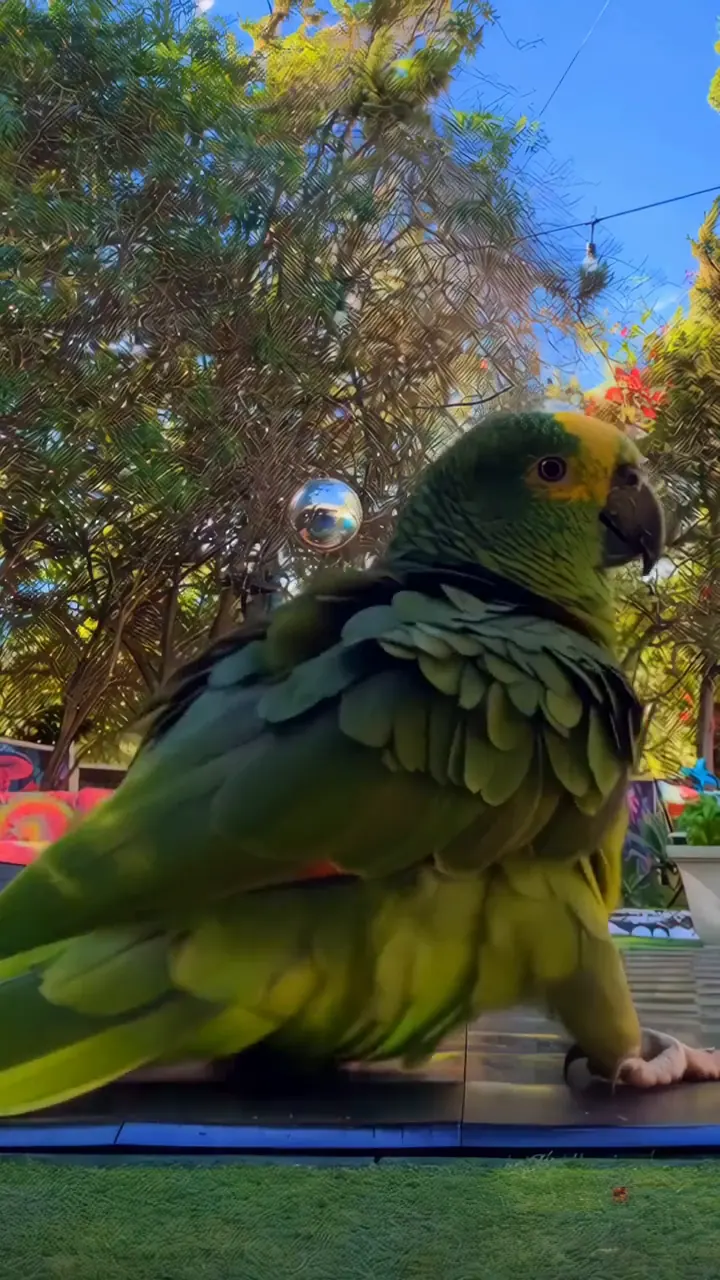 20s200 creditsPremiumWing FlareBoth wings lift and half-spread on the beat, with a half spin. Macaws eat this one up.Big wings
Reference clip: @kennyslowbird on Instagram View source
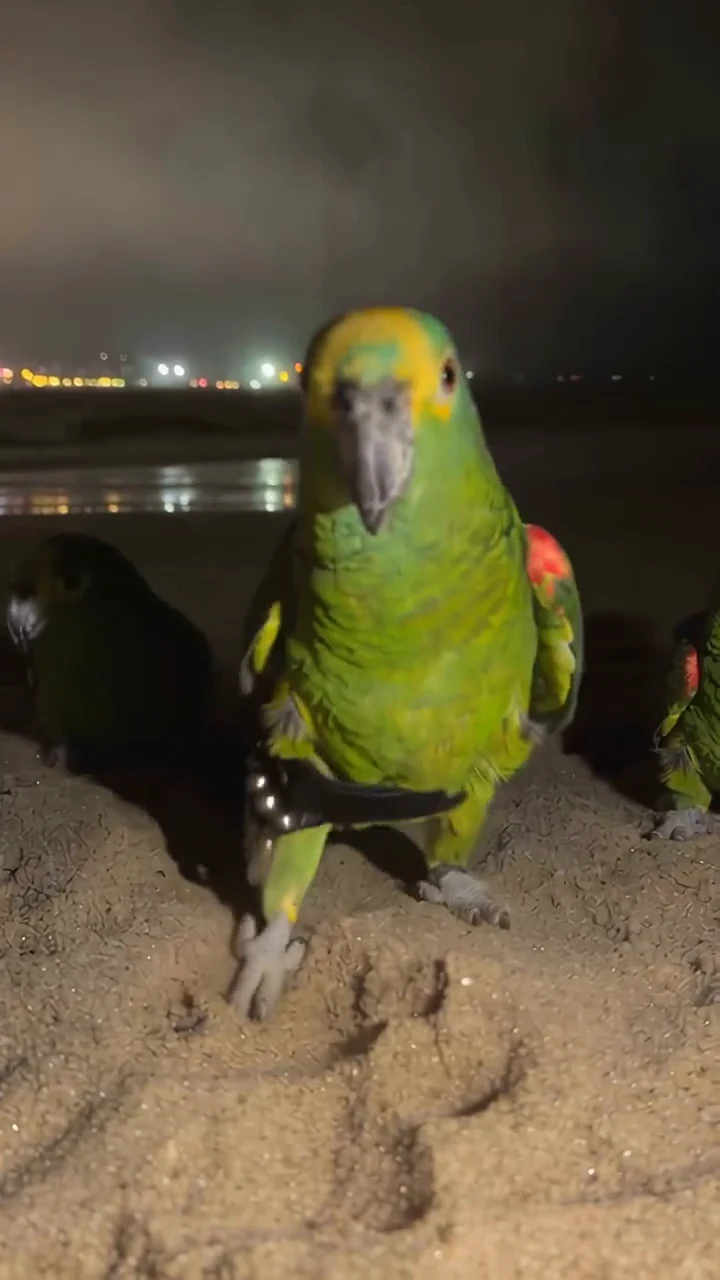 13s65 creditsTail SwayBody and tail swing side to side with tiny steps — the slow-dance version of the trend.Small birds
Reference clip: @kennyslowbird on Instagram View source
Every template is a real reference clip: the model copies the motion, then applies it to your bird. Clips over 15 seconds render on Premium (Seedance 2.5).
Three steps, one photo
No timeline, no keyframes, no prompt to write. This is the whole flow.
- 0110 seconds
Upload a parrot photo
One bird, facing the camera, whole body in frame. JPG, PNG or WebP up to 10MB.
- 02One tap
Pick a dance
Pick a template or upload your own dance clip, including a video of a person dancing with their permission. The clip guides the motion and length.
- 033–8 minutes
Download the video
A vertical MP4 with music and no watermark, as long as your dance clip (max 30 seconds). Post it straight from your phone.
The right photo is the whole trick
There is no prompt to tune. Give the model a clean shot of one parrot and the render is better in every way.
Do this
- One parrot, whole body in frame — head, wings, tail and feet
- Facing the camera, eyes visible, beak not hidden behind a wing or a toy
- Even natural light — daylight or a bright room
- A plain background: a perch, a wall, a window
- A sharp, in-focus shot. A daylight phone photo is perfect
Skip this
- Two birds, or a hand holding the bird
- Dark rooms, backlight, hard shadows
- Blur, motion blur or heavy filters
- Other people's pets, wild birds you do not own
- Screenshots of other videos, or frames full of text
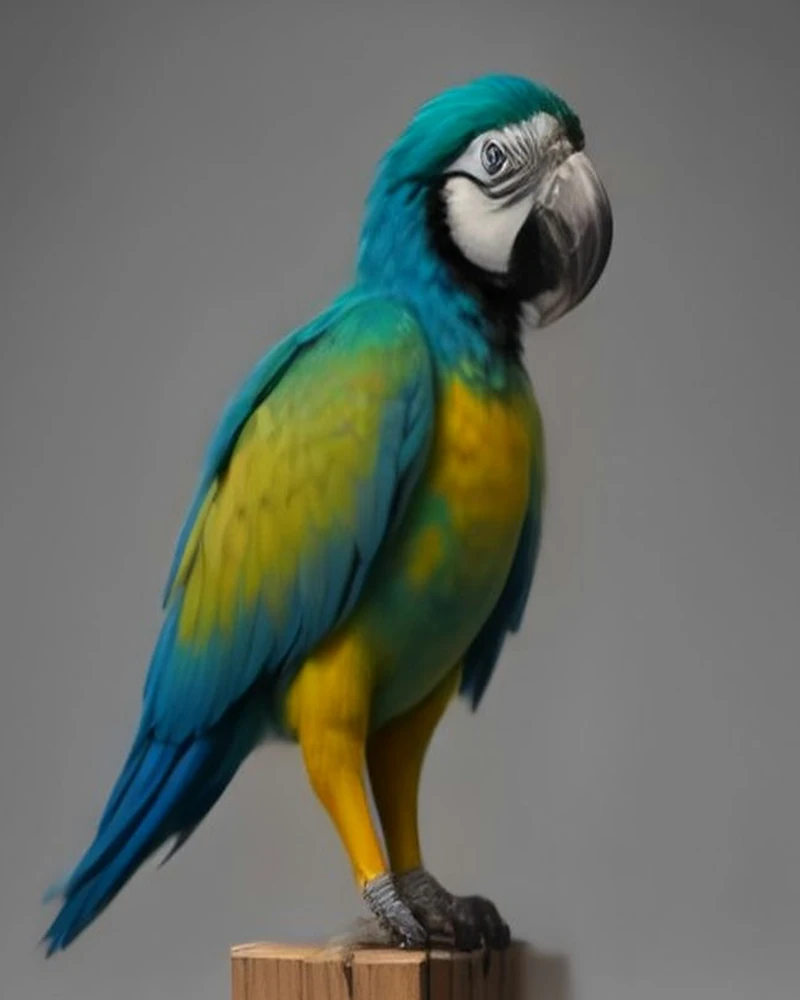
Same product, six species. Your bird does not have to be a macaw.
The photo check runs on your device — nothing is uploaded until you press generate.
What makes a good dance clip
The dance comes from the reference video. A clip where the bird's movement is clear beats a long edit every time — and its length becomes the length of your render, up to 15 seconds on Standard or 30 on Premium.
- 01
One bird, one move
A single bird doing a repeated motion — bobbing, headbanging, flapping — gives the model a rhythm it can follow.
- 02
Short beats long
The first 5–8 seconds are enough to show the move. A longer clip costs more credits, because the render is as long as the clip.
- 03
Keep the body visible
If the wings or feet are hidden by a toy, a hand or a cage bar, the model has to guess the motion.
- 04
Steady camera
No cuts in the middle of the move, no zooming, no shaky handheld footage. The model copies camera movement too.
Uploaded clips are used for your render only, and are deleted on the same 7-day schedule as photos.
A dancing parrot for every occasion
The product is deliberately silly. The reasons to use it are not.
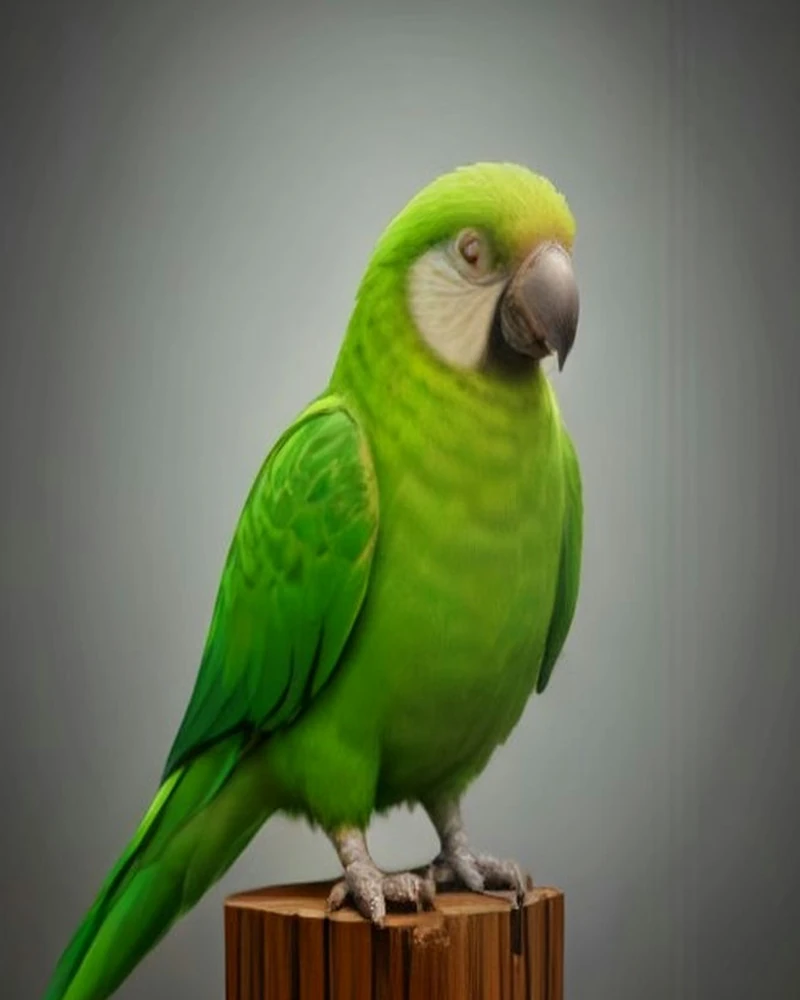
Parrot owners
Your actual bird, dancing. People recognise their own parrot instantly — that is the whole joke, and the whole share.
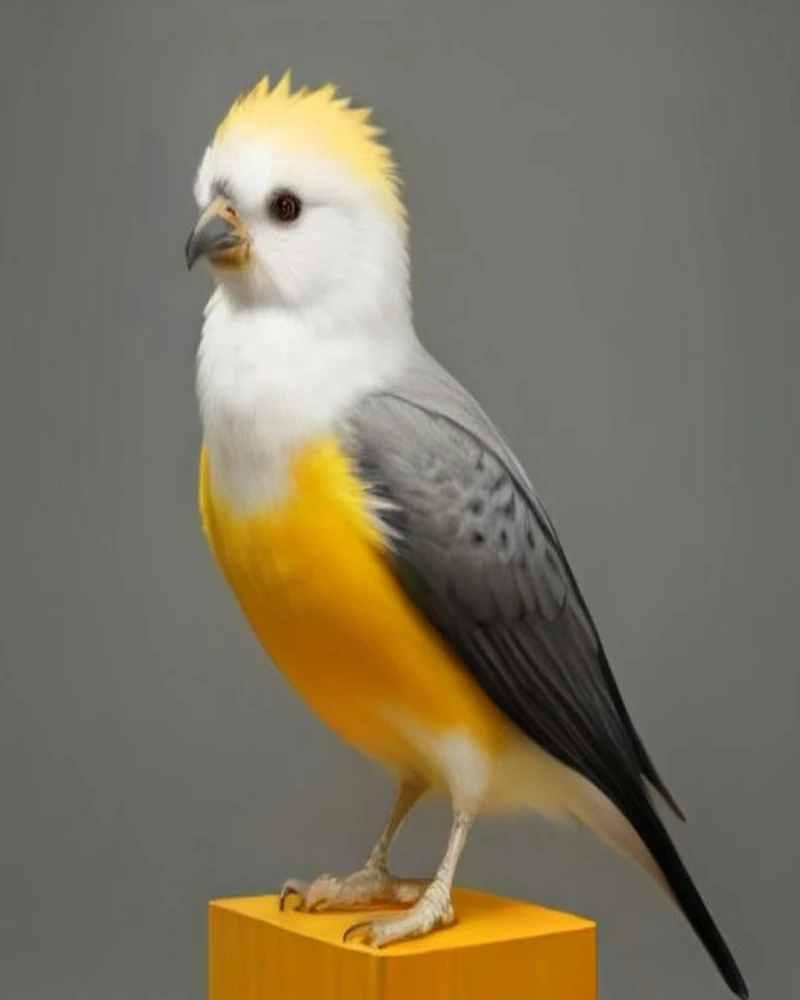
Pet creators
Daily posts without filming daily. One good photo becomes a week of clips in four different dances.
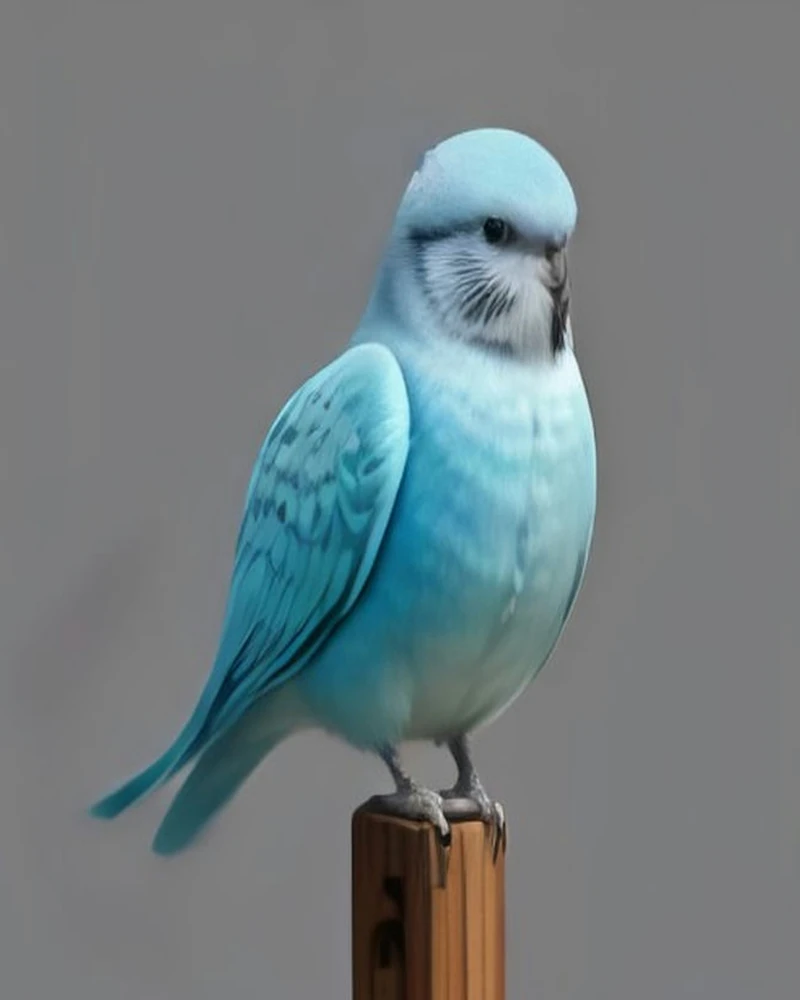
Birthday laughs
Send a dancing parrot to the friend who will not stop talking about their bird. It lands every time.
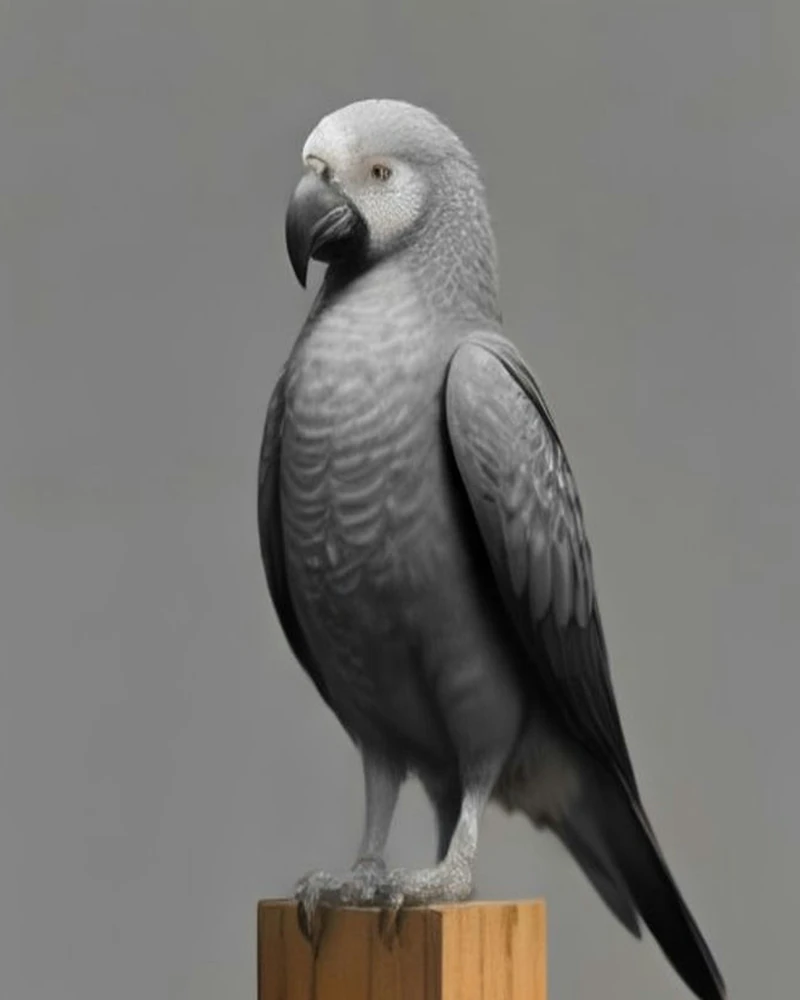
Bird shops & rescues
A fun promo clip of a bird you are rehoming — no camera crew, no editing timeline, no watermark.
Pay once. Post today.
Credits never expire. Standard (720p, up to 15s) costs 5 credits per second; Premium (Seedance 2.5, up to 30s) costs 10. Length always follows your dance clip.
one-time
- 100 credits = 20s Standard or 10s Premium
- Standard: 5 credits/second · up to 15s
- Premium: 10 credits/second · up to 30s
- 720p · 9:16 · no watermark
one-time
Save 17%
For posting every week
- 240 credits = 48s Standard or 24s Premium
- Standard: 5 credits/second · up to 15s
- All four trend templates
- Your own dance clips allowed
one-time
Save 23%
- 650 credits = 130s Standard or 65s Premium
- All four trend templates
- Premium: Seedance 2.5 · up to 30s
- Commercial use, no watermark
- Priority rendering
One-time payment. No subscription, no auto-renewal, credits never expire.
A failed or timed-out render returns the credits automatically.
Why not just edit it yourself?
Three honest routes to the same video. Ours is the shortest one.
| Feature | Parrot Dance AI | Other pet-dance tools | Editing it yourself |
|---|---|---|---|
| Price per video | $15 and up | $10–20 | Free, plus your evening |
| Time to first clip | 3–8 minutes | 5–10 minutes | 1–2 hours |
| Skills needed | None — pick a dance | Write a prompt | Timeline, keyframes, motion tracking |
| Where the dance comes from | A real dance clip | A text prompt | Your own source footage |
| Keeps your bird's look | Locked to your photo | Usually drifts | Depends on your tracking |
| Soundtrack | Royalty-free template music | Often copyrighted | Whichever track you own |
| Watermark | None | Sometimes | None |
| Re-dos | 5 credits per second on Standard, 10 on Premium | Credits per render | Time, not money |
Why parrots are suddenly everywhere
The "Jamaican Bam Bam" pet trend turned dancing parrots into one of the internet's most-copied formats: green parrots in a barn, wing waves, tail sways and a group finale, all cut to the same dancehall beat. The AI versions are now as common as the real ones.
What makes those clips work is rhythm, not species. A bird that looks like it is dancing reads as joy in about half a second, and short-video feeds reward exactly that. That is why "parrot dance AI" became a search: people want to make their own.
Our version starts from your bird. The movement comes from a real dance clip — the Bam Bam bounce is one of the four templates — and the parrot comes from your photo. No camera, no flock to direct, no editing.
It is a party trick, not a documentary. Feathers can shift, lighting can drift, and a move that needs arms is translated into the closest bird move. We say that plainly because it is what the tool can actually do.
What the trend is, where it comes from and what our tool can and cannot do — in our guide.
Read what parrot dance isWhat is Parrot Dance AI?
Can I try it for free?
What photo should I upload?
How long does a render take?
Does it use the original Bam Bam sound?
Is this real AI or a template?
What happens to my photo and video?
Everything about parrot videos
Deep guides on parrot dancing, photo choice, dance templates, AI motion transfer and posting — written to be quoted, not skimmed.
What Is Parrot Dance AI? The Bam Bam Trend, Explained
Parrot Dance AI is the AI-made version of the late-2026 Jamaican Bam Bam pet trend: what the videos show, where it came from, and how a photo becomes a dance.
 Parrot Dance AI
How to Make a Parrot Dance Video (Step by Step)
Make a parrot dance video from one photo in three steps: the photo that works, which of the four templates to pick, the 720p 9:16 output and the fixes.
Parrot Dance AI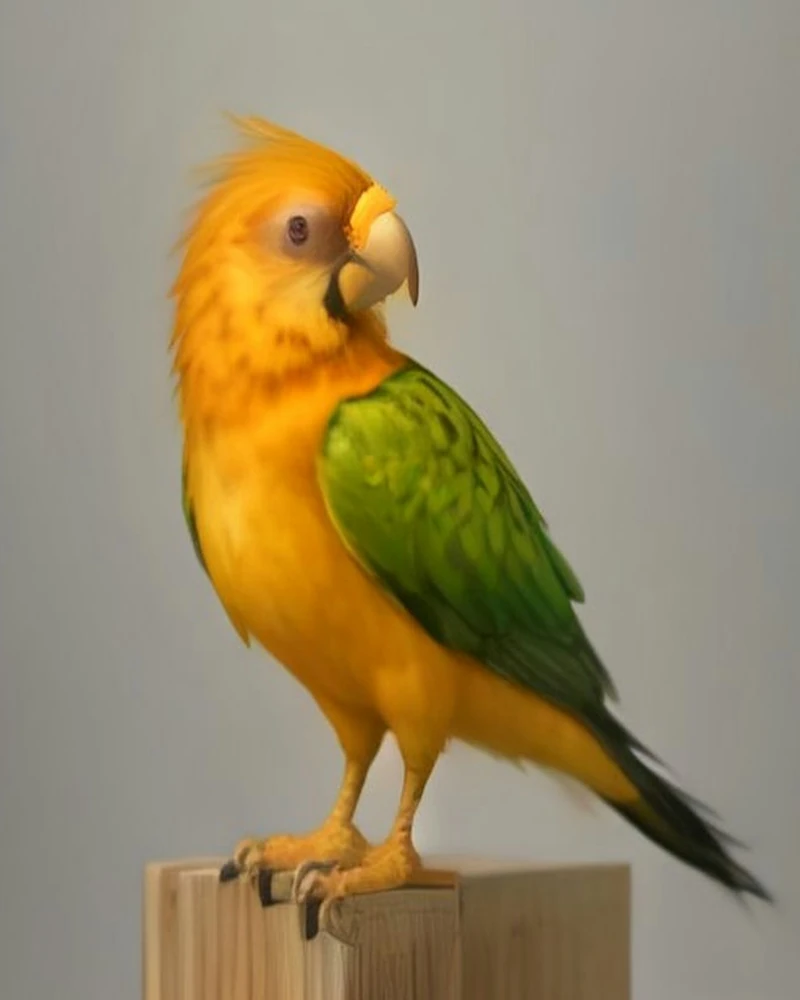
The Best Parrot Photos for AI Dance Videos
What makes a parrot photo work in an AI dance video: one bird, full body, eye level, even light and sharp focus — plus species notes and phone settings.
Parrot Dance AIYour parrot is ready for the dance floor
One photo, one dance, up to thirty seconds. Make it today.
Make mine dance